Why My USB Displays Ended Up on a Raspberry Pi
Porting a Windows USB display manager to a headless Linux GUI. From inception to the transfer.
I built the first version of this project as a Windows app, running as a VM on Proxmox. It drove a couple of cheap USB LCD panels, the kind sold as digital photo frames but built around the AX206 chipset, and for a while it worked fine.
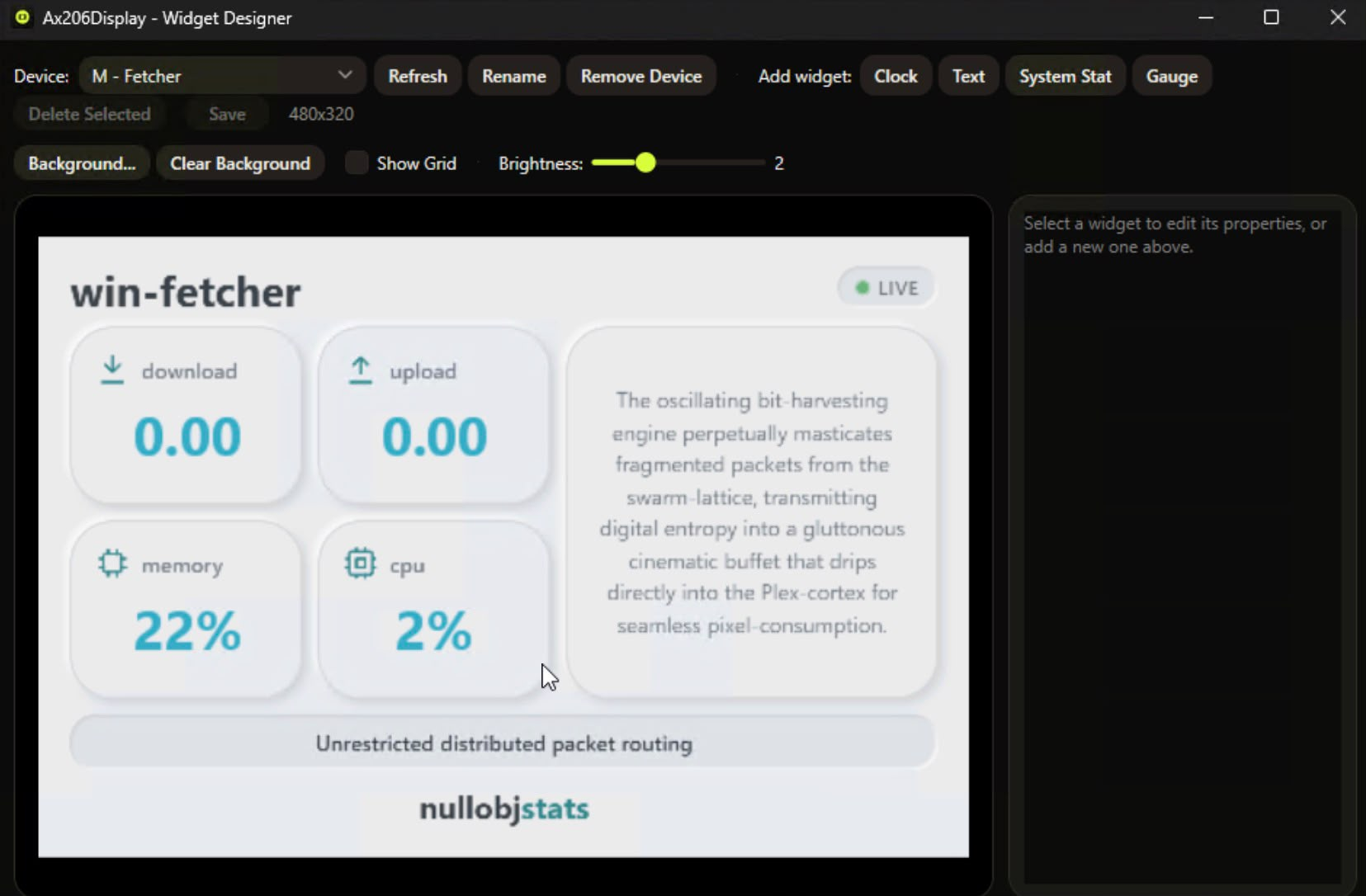
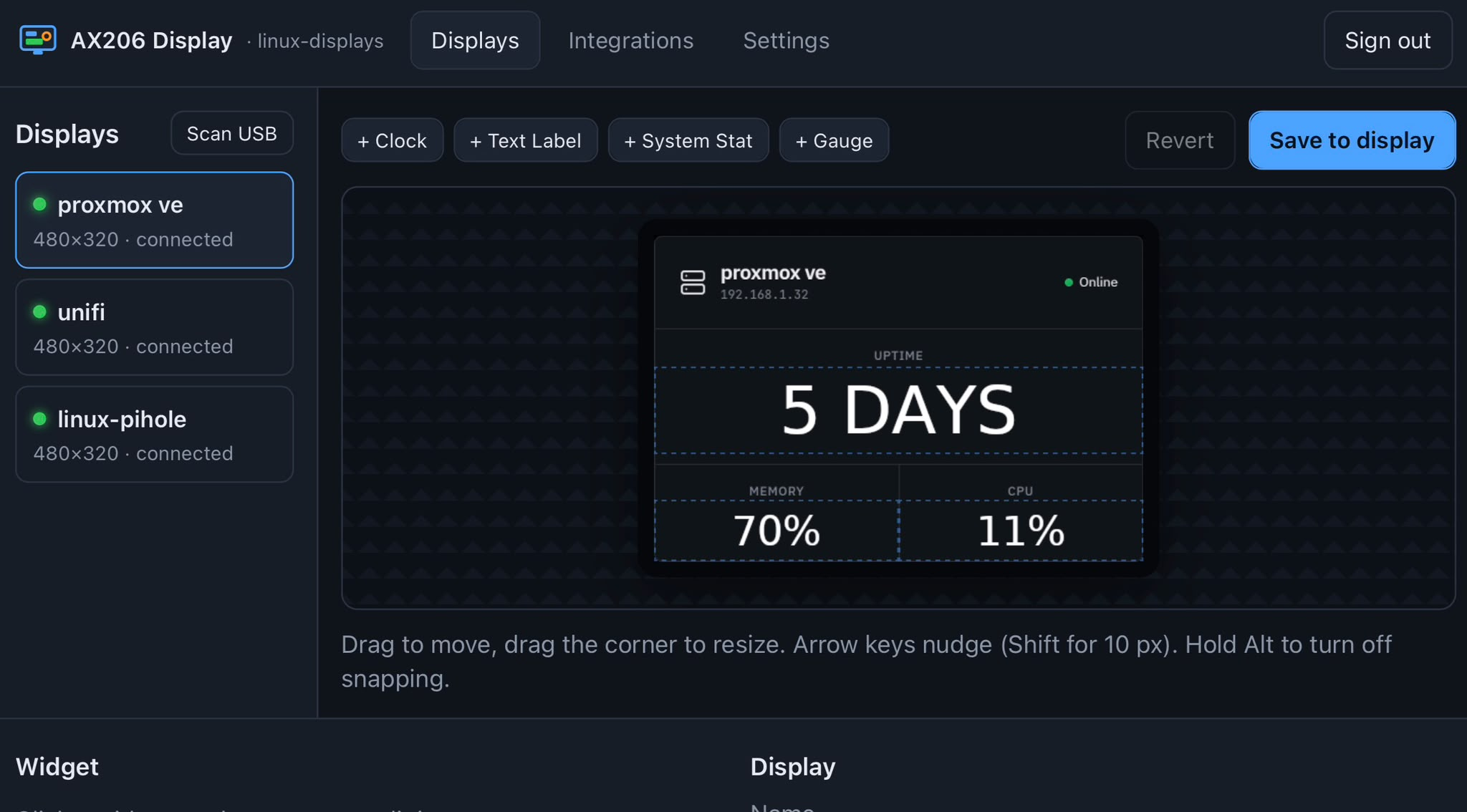
The original Windows Widget Designer, mid-build, laying out stats for one of the panels.
Then I added a third screen, and things got strange. The panels started dropping out mid-session, sometimes freezing on an old frame, sometimes going black and coming back on their own. I assumed it was a driver quirk and spent longer than I'd like to admit chasing it in software before I actually looked at the hardware.
The real issue was power. Three AX206 panels, each with its own backlight, pulled more current through the USB passthrough into the VM than the host could reliably supply. That wouldn't have been a huge deal on its own, except the same passthrough was also feeding a Zigbee dongle into Home Assistant. When the screens drew too much, the dongle dropped too, and my smart home stopped responding to anything. That's the moment this stopped being a side project and became something that needed fixing properly.
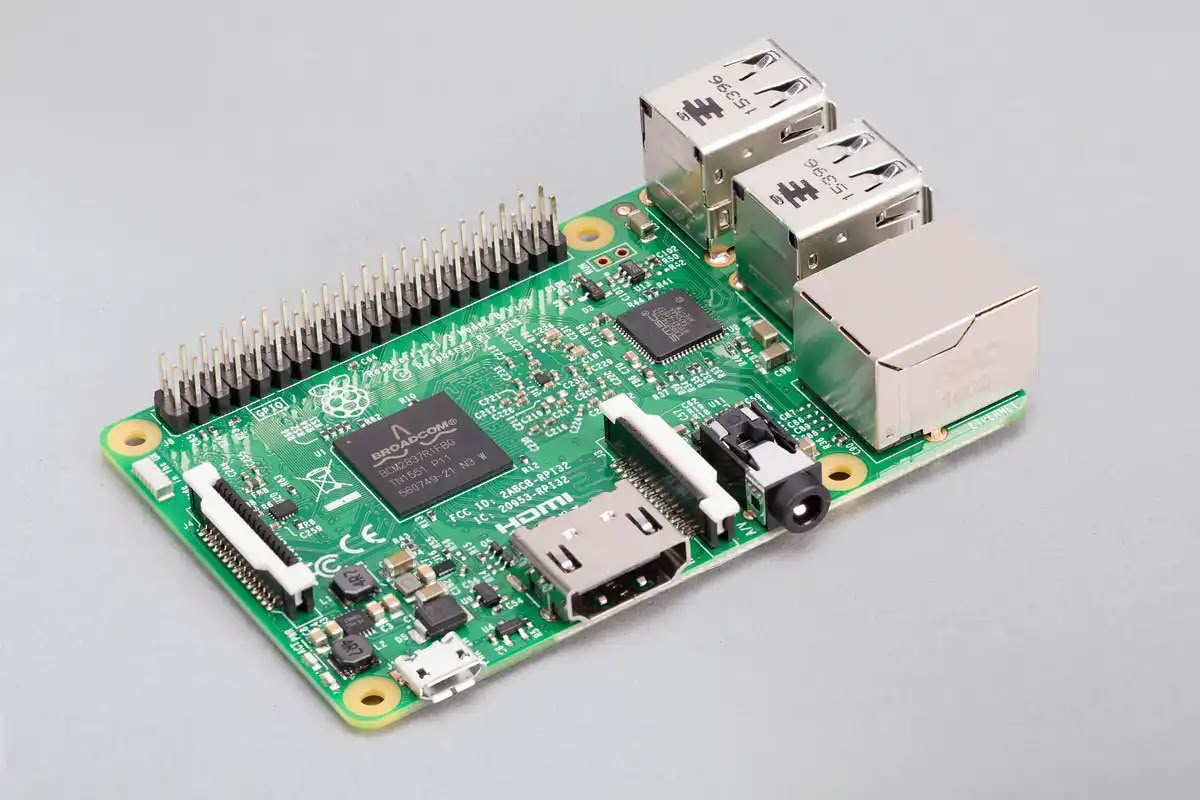
Splitting the display driver onto its own box was the obvious answer. A Raspberry Pi could own the USB bus for the screens entirely, run headless, and leave the Proxmox host's passthrough, and the Zigbee dongle riding on it, alone.
That's where the second round of problems started, and most had nothing to do with the display code at all. Getting .NET installed went sideways first: I'd copied the setup commands out of a PDF guide, and the underscores in one environment variable name had turned into line breaks somewhere in the copy. DOTNET_CLI_TELEMETRY_OPTOUT landed in .bashrc as four broken lines, and every new shell greeted me with "command not found" before I tracked it down.
Then the SDK install failed outright with "no space left on device," on a card that had 11GB free. The installer stages its extraction through /tmp, and on this Pi, /tmp is a RAM-backed tmpfs capped well under what the SDK needs. Pointing TMPDIR at the SD card instead fixed it.
Once .NET was in, the Pi itself started crashing. Building a self-contained .NET app is memory-hungry, and a Pi 3B+ only has 1GB of RAM. The box would go fully unresponsive mid-build, not even answering pings, needing a power cycle to come back. It happened twice before I gave it real swap space to fall back on, instead of relying on the zram swap Raspberry Pi OS sets up by default. Zram is just compressed RAM, not a second pool of memory, so under genuine pressure it barely helped.
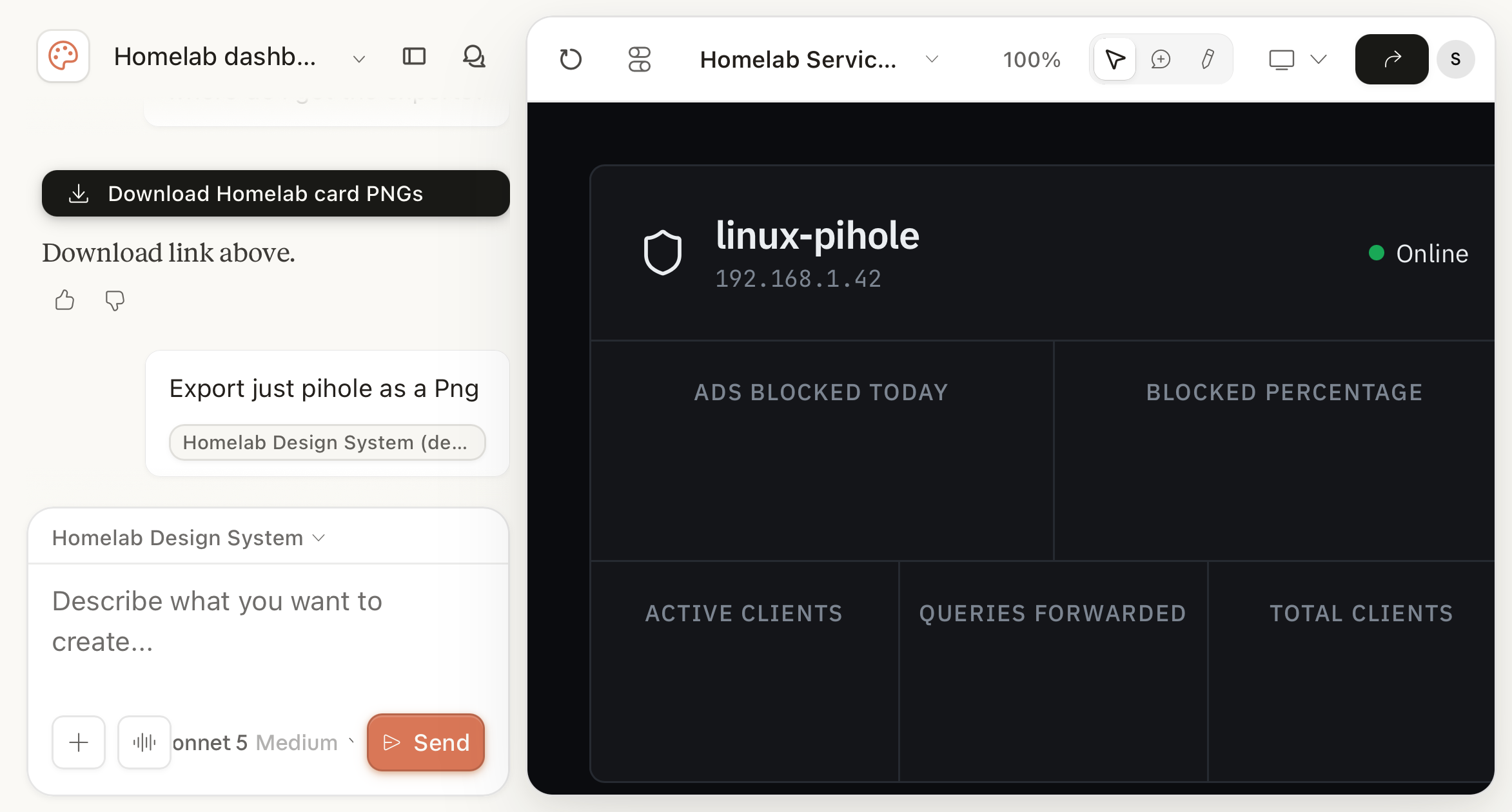
With the Pi finally stable, I got the web UI running and wired up Pi-hole, Proxmox, and UniFi as data sources.
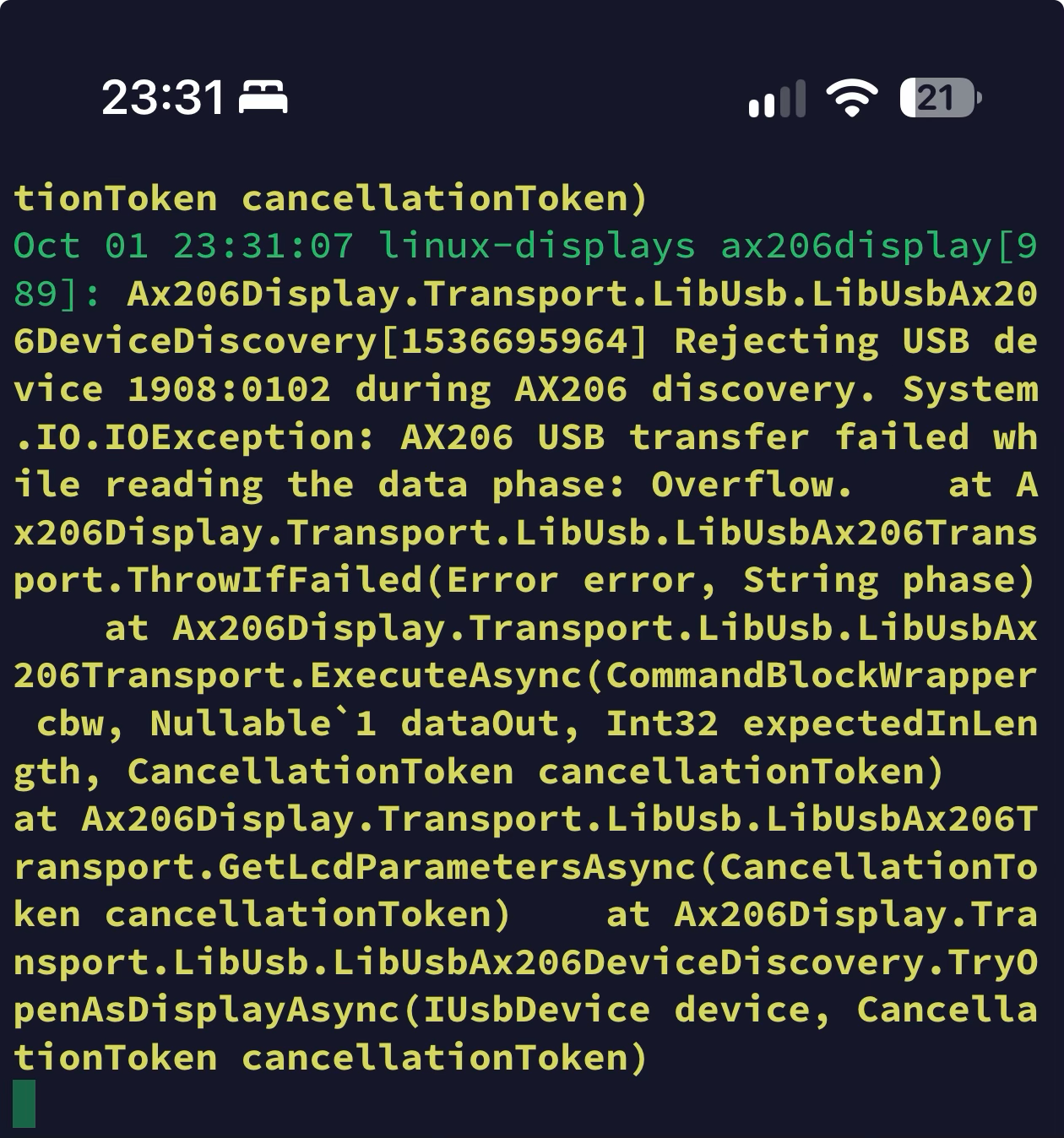
Then I plugged the screens in for the first real test. They didn't come up. The log filled with the same error over and over: a USB transfer overflow during device discovery. lsusb showed my panels identifying as "GEMBIRD Digital Photo Frame," a common AX206 clone, and clone firmware like this often pads its USB responses out to a full packet even when the command only needs a handful of bytes back. The driver allocated a read buffer sized to exactly what it expected, so when the clone sent more than that, Linux's libusb rejected the device outright. Windows never caught this, because WinUSB tolerates a short host buffer against a longer reply instead of failing on it. The fix was small: size every read buffer to at least one full USB packet. Once that landed, all three screens enumerated and started rendering.
They ran fine for an evening, then started dropping out again the next morning, cycling in and out every few seconds, timing out rather than overflowing this time. Same root cause as the very start of this story, just relocated: a Pi's own USB ports share a small power budget, and three backlit panels pulled more than it could sustain. Moving off the VM's passthrough hadn't removed the problem, only moved it. The fix is the one I should have reached for from the beginning: a powered USB hub, with its own mains adapter, sitting between the Pi and the screens. One's on order.
With the screens, the Zigbee dongle, and everything else finally sorted on dedicated hardware, that Windows VM had nothing left to do. It had spent months quietly driving three panels and not much else. I shut it down for good right after taking this.
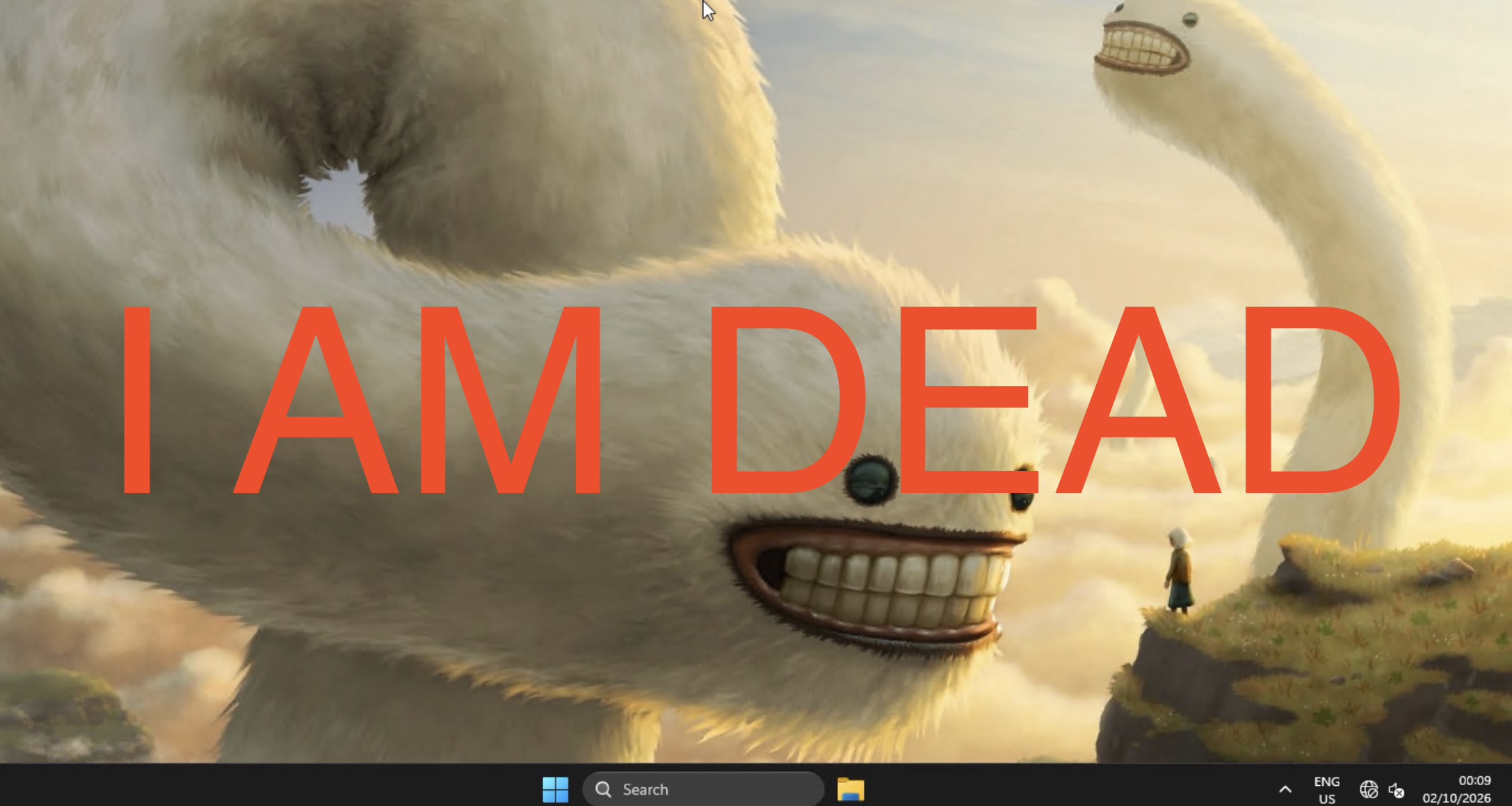
The VM's last moment on screen before decommissioning.
Sorry, Satya.