Hardening my RMM, Then Losing a Disk
When a disk failure makes you appreciate your backups more than ever, a forced upgrade.
I sat down to tighten up security in nullobjRMM, the monitoring tool I built for my home lab. A few days later I was unscrewing a dying laptop hard drive from my Proxmox host.
The two jobs had nothing to do with each other. Together they taught me more about my own setup than the previous year had.
I worked through both with Claude Code, one command at a time. Here's what happened.
Part one: tightening up the agents
Every machine I monitor runs a small agent that reports back to the RMM server with its own API key. I'd been meaning to review how those keys are handled, and that evening I finally did.
The review turned into a proper round of hardening:
Key rotation and revocation for each node, straight from the dashboard. Rotation keeps the old key working until the agent has saved and used the new one, so a failed write can't strand a node.
Automatic rotation every 30 days, so no key lives forever.
Credentials for PBS, the UPS and email encrypted at rest.
Revoked agents back off quietly instead of retrying every few seconds.
Then I rotated every key in the fleet: 16 online nodes in about eight minutes. Testing caught one bug of my own along the way, a fresh install that refused to start. Nobody had hit it yet.
Part two: the wall of errors
A few days later, the RMM server's console filled with errors and wouldn't stop.
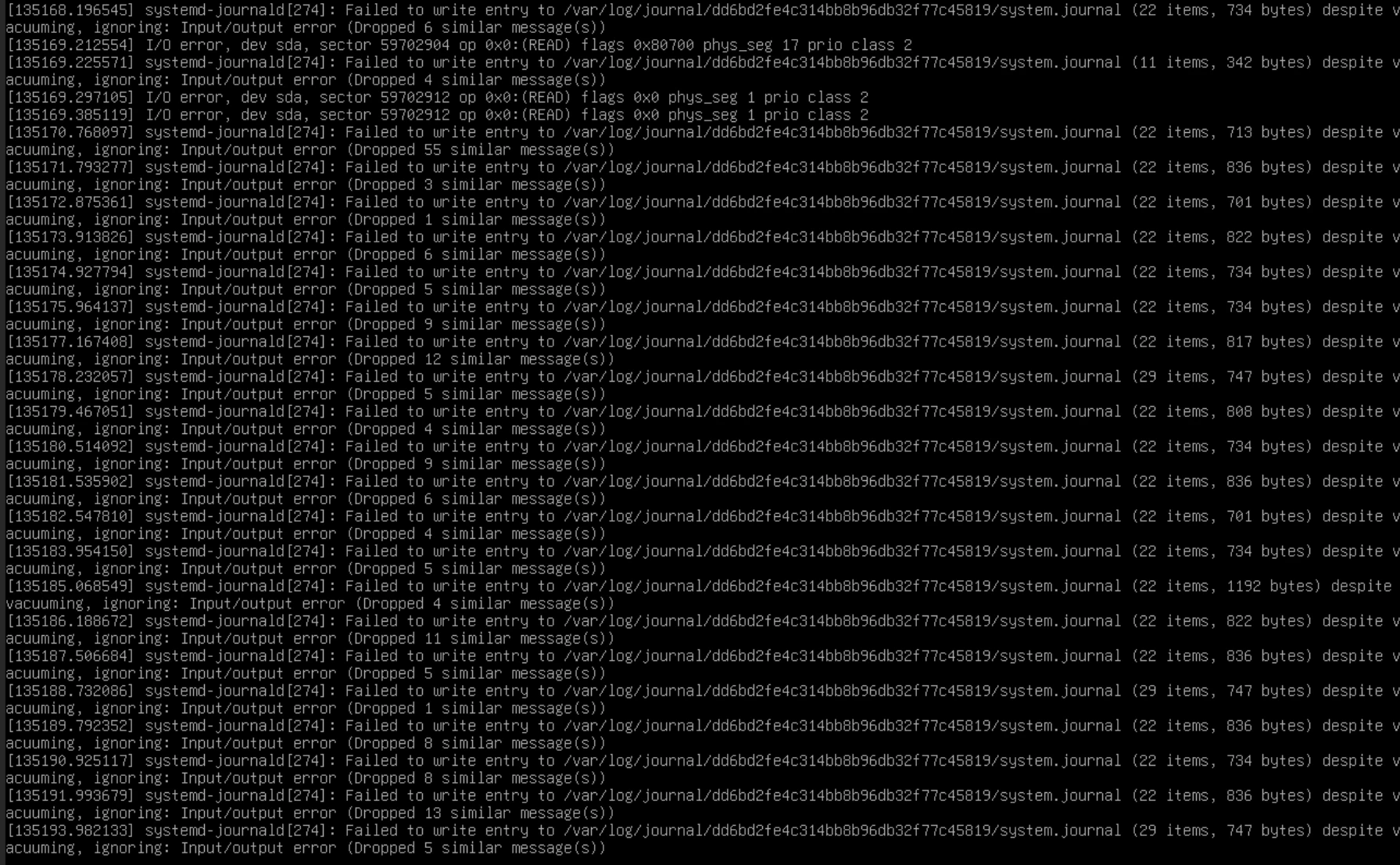
The RMM server's console, mid-flood.
The kernel couldn't read from disk sda, and journald couldn't write its logs. Several other VMs showed the same thing. That pointed away from the guests and toward shared storage on the host.
On the Proxmox host, the storage pool holding the guests showed as inactive, size zero. lsblk listed only the boot NVMe. The second disk had vanished, and all nine guests carried on running without it, living off whatever sat in memory.
The kernel log told the story. On 25 September at 17:41, SATA port ata1 reported link errors and every queued write failed. The drive worked on and off for about a day, then stopped answering. A rescan found it still on the link. It ignored every reset.
The rescue
The culprit was a Toshiba 1 TB, 5,400 rpm laptop drive from 2019. Every guest I run lived on it.
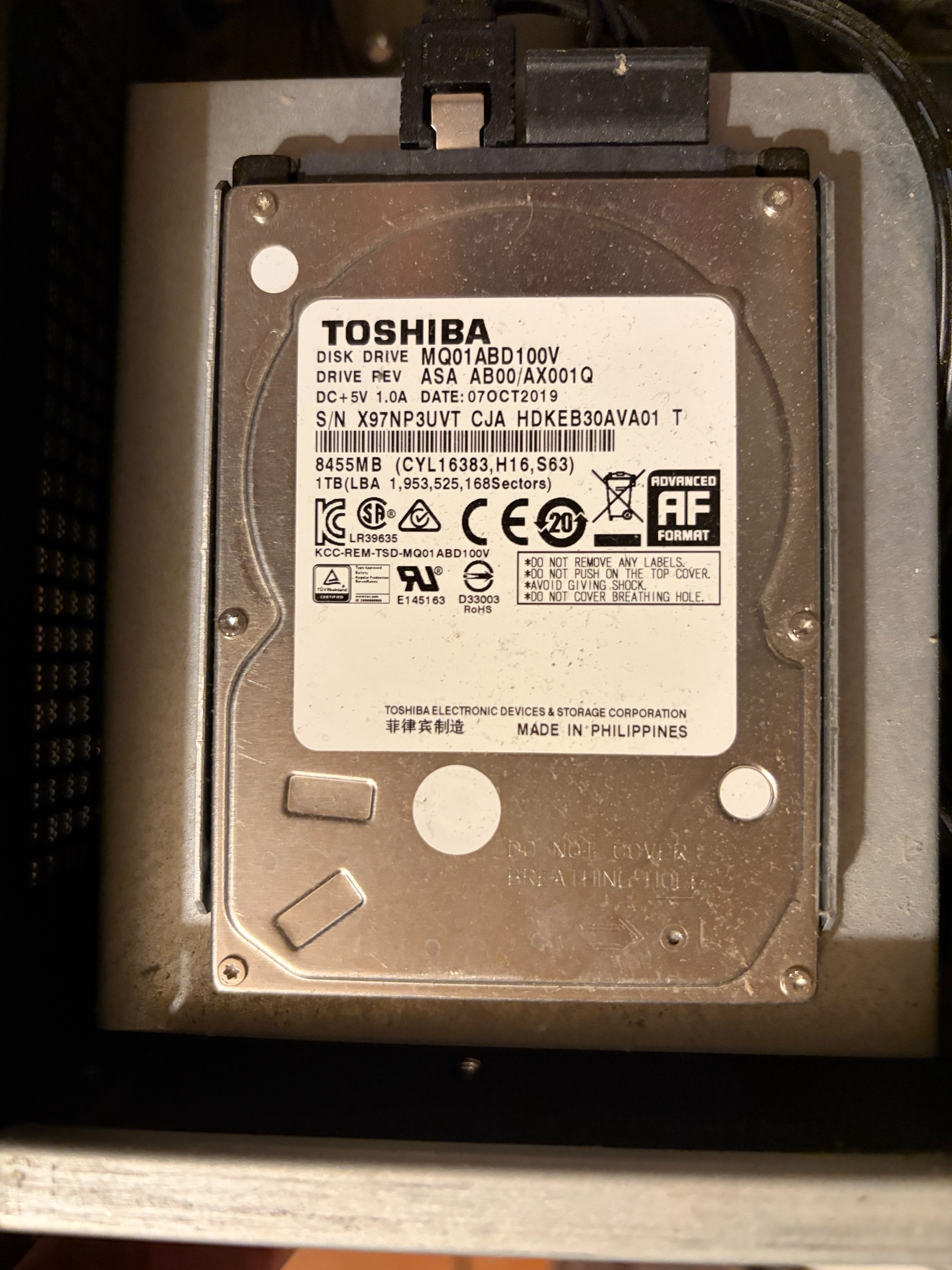
The culprit, still in its bay.
The backup list was the real shock. Seven guests had a backup from the last day. The RMM server's newest was from 23 July. The Scrypted container had never been backed up at all. My nightly job had been skipping both, and I hadn't noticed.
So I slowed down. I switched off autostart on all nine guests, stopped them, powered the host down and pulled the plug for a minute. Then I reseated both cables on the drive.
It came back. SMART said PASSED. The numbers underneath said otherwise:
Counter
Value
Reallocated sectors
448
Reallocation events
39
Power-on hours
40,359
That's about 4.6 years of spinning, for a drive built for a few hours a day. I backed up the RMM server and Scrypted first. Both read cleanly. Then the other seven.
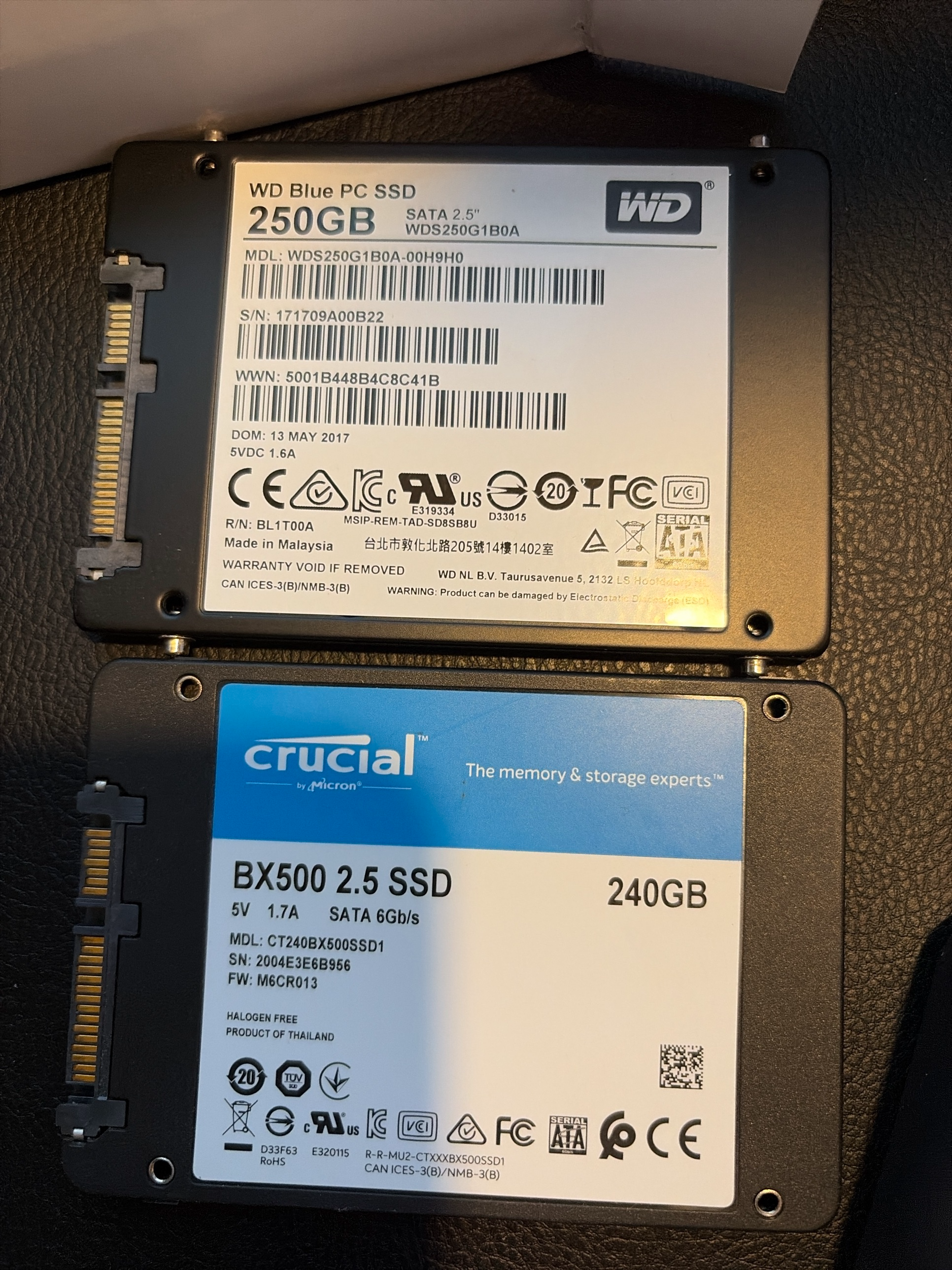
First pass through the spares drawer. Neither made the cut.
For a replacement, I dug a Samsung 870 QVO 1 TB out of a drawer. Windows showed partitions it couldn't read. I mounted them read-only through WSL and found this host's previous Proxmox install: an old Nextcloud, a scraper, a few other experiments. Nothing I needed, so I wiped it.
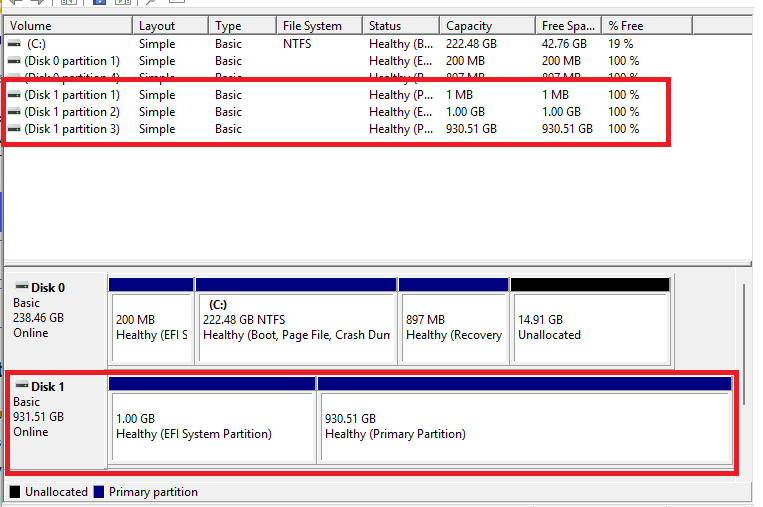
What Windows saw: a full disk it couldn't read.
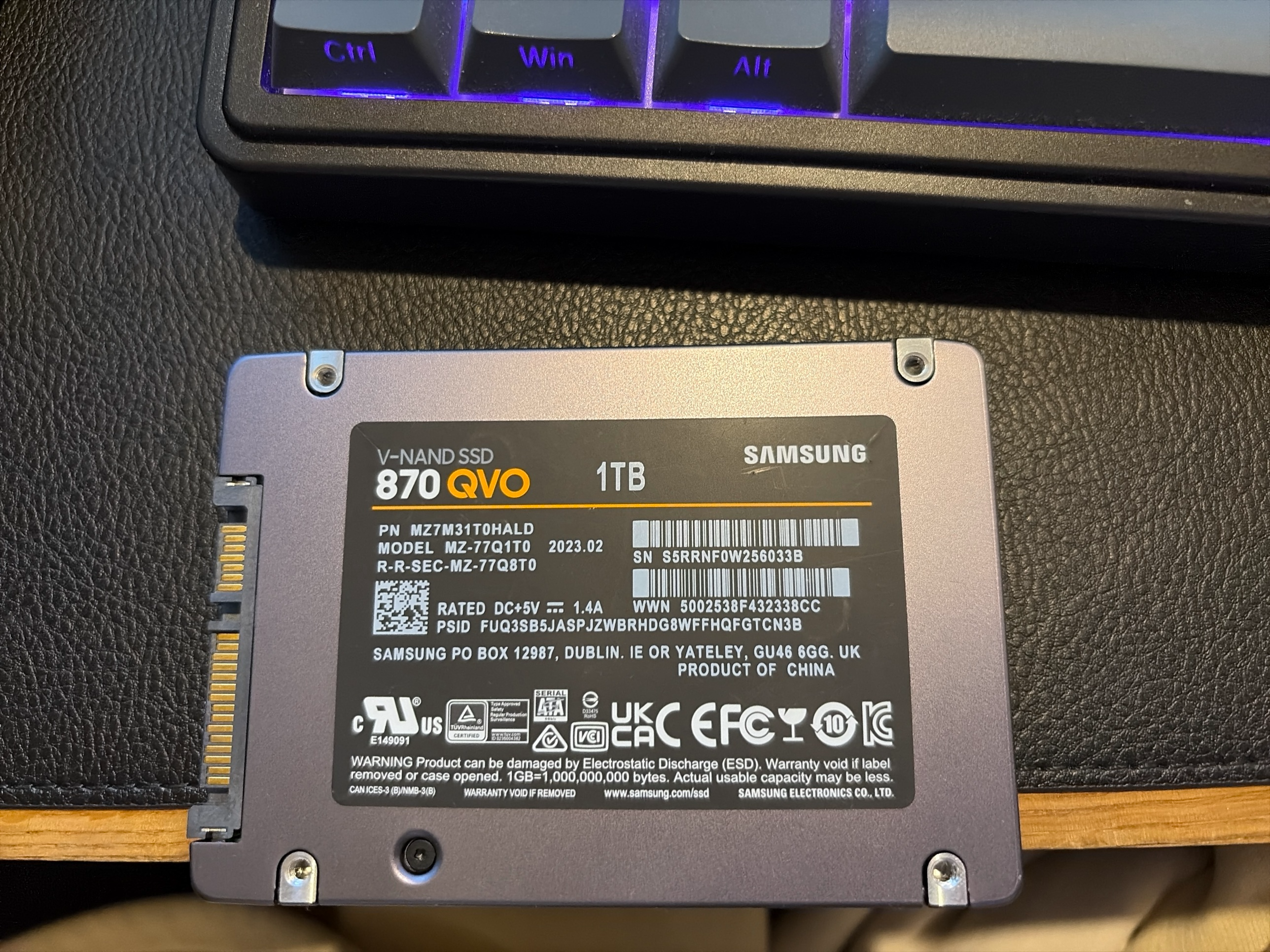
The replacement, wiped and ready to go in.
What I took away
Check what your backup job actually covers. Mine skipped the two guests I'd least want to lose.
SMART "PASSED" only means no threshold has been crossed yet. Read the counters.
Nine always-on guests on one laptop drive was a risk I'd stopped seeing. It had worked for years, which is why.
When something breaks, look before you act. Turning off autostart before the reboot meant nine VMs didn't start writing to a flaky disk.
Since then, I've swapped in the Samsung and restored every guest from my Proxmox Backup Server. Everything is running again.